Explain Any Process in a Single Image: The Infographic Preset
Complex processes lose people when explained in paragraphs. The Infographic preset turns multi-step workflows into clean, visual guides that anyone can follow.
You have a four-step onboarding process. Or a five-stage sales pipeline. Or a three-phase project workflow. And right now, it’s explained in a bulleted list inside a Google Doc that nobody reads.
People process visuals 60,000 times faster than text. An infographic turns “here are the steps” into “I get it at a glance.” But creating one from scratch in Figma or Canva takes hours of layout work, icon hunting, and color matching.
How to Use the Infographic Preset
The Infographic Content Type creates clean, structured visuals with icons and visual hierarchy. You fill in two fields:
- Topic: “Customer Onboarding Process”
- Key Points (one per line):
- “1. Create Account — Sign up in 30 seconds”
- “2. Guided Setup — Configure your preferences”
- “3. Import Data — Bring existing content”
- “4. Launch — Start your first campaign”
The preset generates a clean, minimalist infographic with simple icons, thin connecting arrows, and generous whitespace — the kind of process diagram you’d see in a pitch deck.
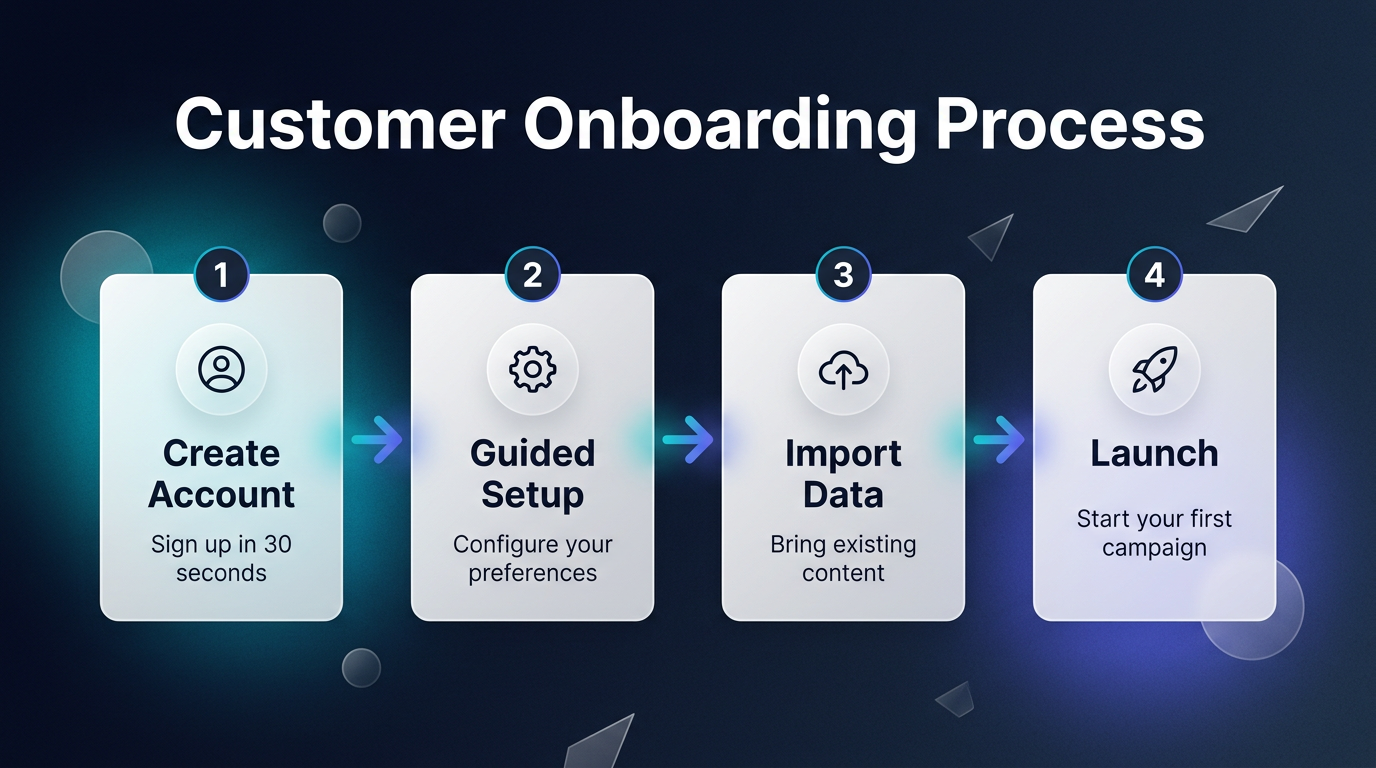
Generated with the Infographic preset
Where Infographics Make an Impact
This preset fits anywhere that processes need to be understood quickly:
- Customer onboarding docs: Replace the “Getting Started” text wall with a visual guide
- Sales enablement: Show prospects your implementation process in one slide
- Internal SOPs: Document team processes in a format people actually reference
- Blog content: Infographic blog posts get 3x more shares than text-only articles
- Social media: Break down industry concepts into shareable educational content
Why This Matters
- Comprehension at a Glance: Visual process documentation reduces support tickets because customers actually understand the steps.
- Shareability: Infographics are the most shared content type on social media. One generation, thousands of impressions.
- No Design Degree Required: The preset handles layout, icons, color, and typography. You just provide the content.
Turn Complexity Into Clarity
The best explanation is the one people actually look at.
Try the Infographic template in our Playground and turn your next process into a visual guide.