Why Your SaaS Needs Branded AI Images (Not Generic Ones)
Generic AI images hurt your brand. Here's how to give your users AI image generation that follows your style guide, color palette, and visual identity.
Open ChatGPT. Generate an image. Paste it into your app.
That’s what your users are doing right now. And every image they create looks like it came from a different company. Random color palettes. Mismatched styles. No logo. No brand consistency.
When your users publish those images through your platform — on LinkedIn, in email campaigns, on company blogs — your product is the one that looks inconsistent. Not the AI. Your product.
What generic AI output actually looks like
Here’s the problem in one image. A wellness brand called Bloom needs a stat graphic, a customer quote, and a product announcement. Without brand guidelines, the AI produces three completely different visual styles:
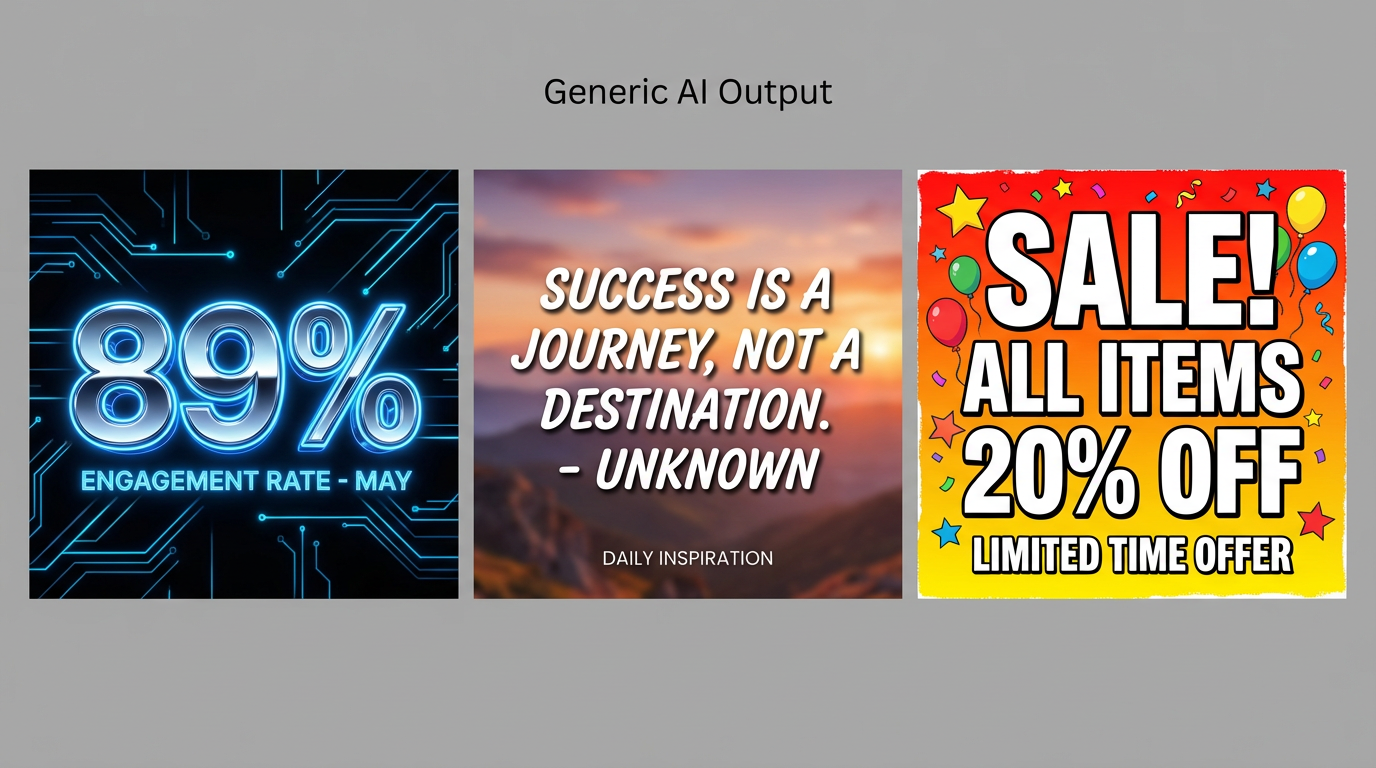
Without a brand kit: neon circuits, sunset stock, and clip art. Three images that look like three different companies.
Now the same three content types, generated with Bloom’s brand kit applied:
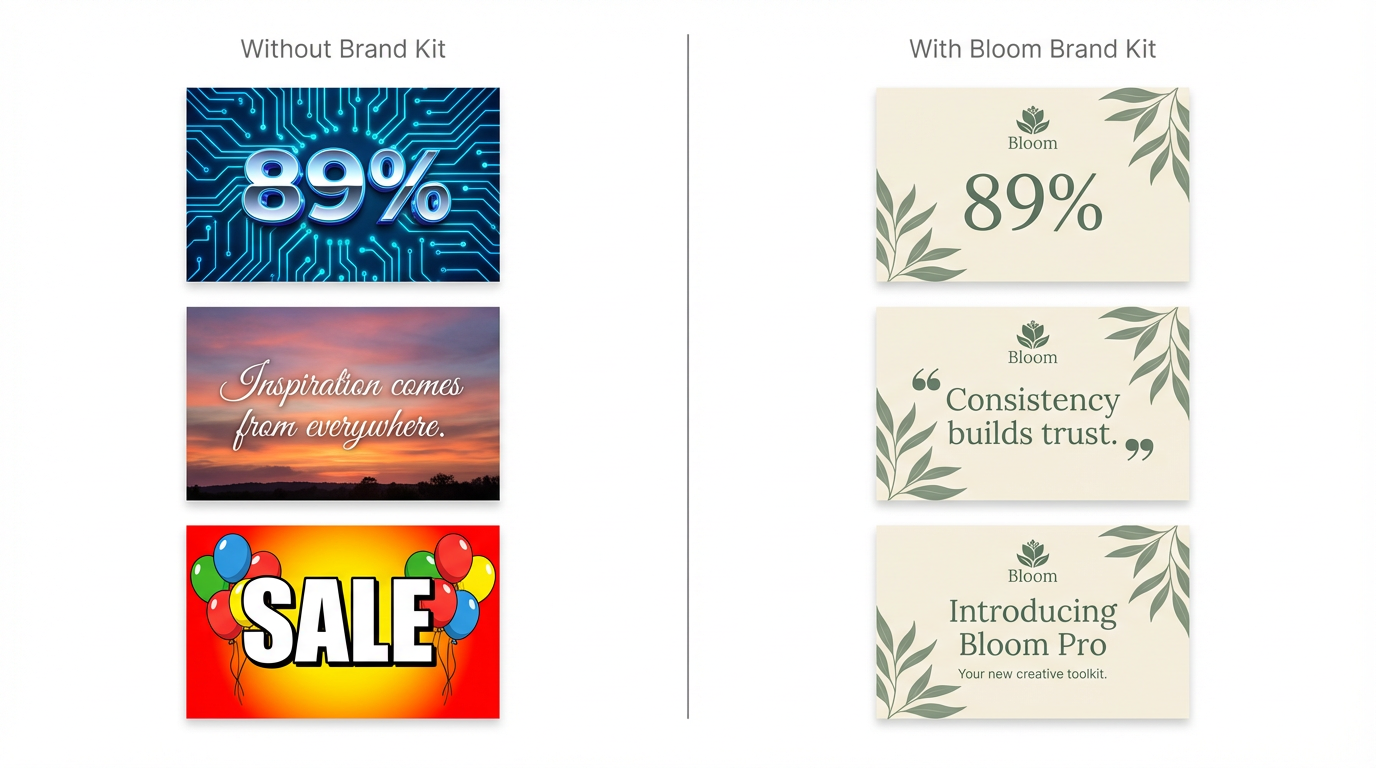
With a brand kit: same sage green palette, botanical motifs, and elegant typography across every image.
The difference isn’t subtle. One set looks professional and intentional. The other looks like a team that doesn’t talk to each other.
The “good enough” trap
Most teams considering AI image features evaluate it like this: “Can the AI generate a decent image?” If yes, ship it.
But “decent” isn’t the bar. The bar is: does every image your users create reinforce the brand they’ve spent years building?
A social media management tool that lets users generate images in random styles is actively working against its own value proposition. The whole point of a social media tool is consistency and control. Generic AI images undermine both.
What brand-aware generation looks like
There are two levels of brand control:
Level 1: Post-processing — generate a generic image, then stamp a logo on it. The image itself has no brand awareness. The logo is an afterthought.
Level 2: Generation-time brand awareness — the AI knows your brand before it starts generating. Your color palette, visual style, tone, and restrictions are part of the generation prompt. The output looks like your design team made it.
ImageLayer works at Level 2. Here’s how it looks in practice with Bloom’s brand kit.
A brand kit in action: Bloom
Bloom is a wellness SaaS platform. Their brand identity:
- Style: Clean, organic, minimal with botanical touches
- Colors: Sage green (#5A7D6A), warm cream (#F5EFE6), blush pink (#E8B4B8)
- Typography: Elegant serif headings, clean sans-serif body
- Avoid: Neon colors, 3D effects, clip art, dark/moody lighting
With these rules set once, every image their team generates follows the same visual DNA.
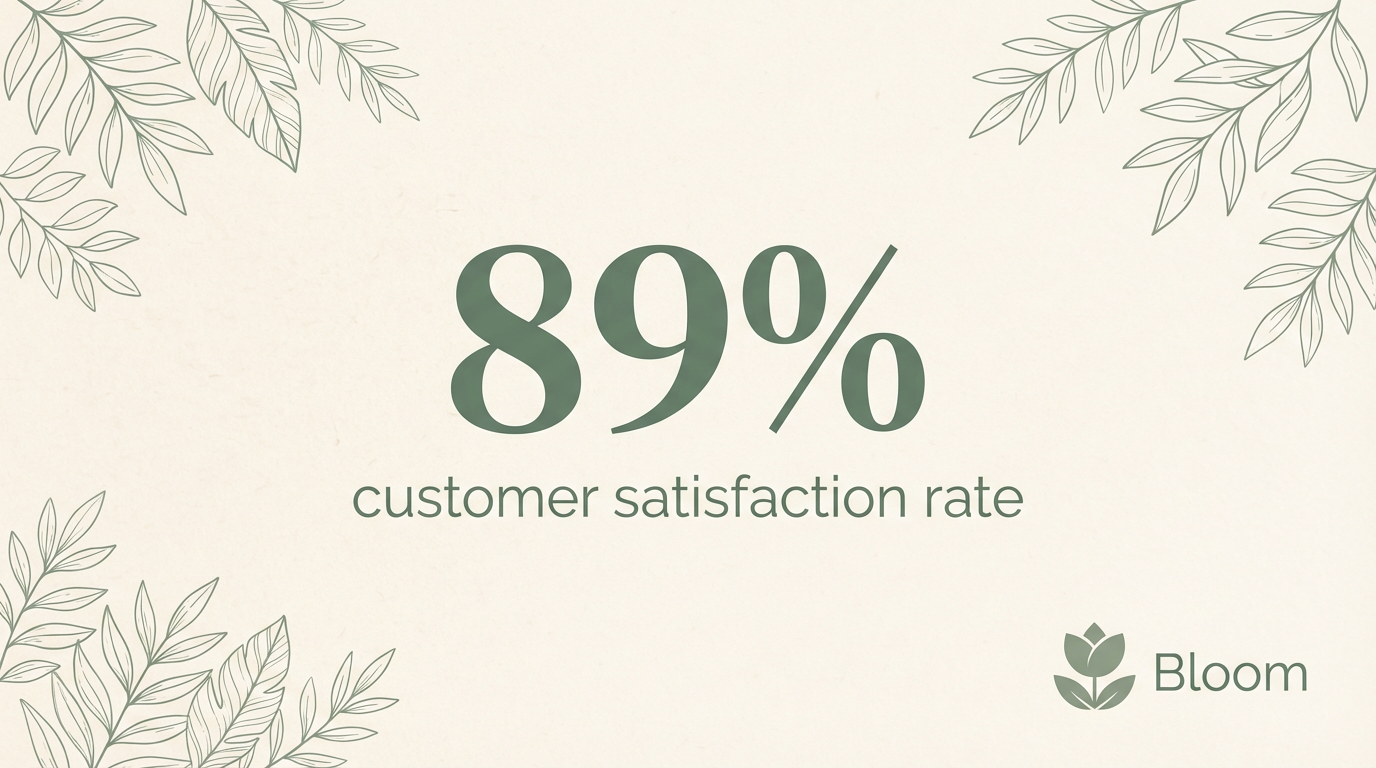
Stat highlight — the 89% is in sage green, the background is warm cream, botanical leaves frame the corners:
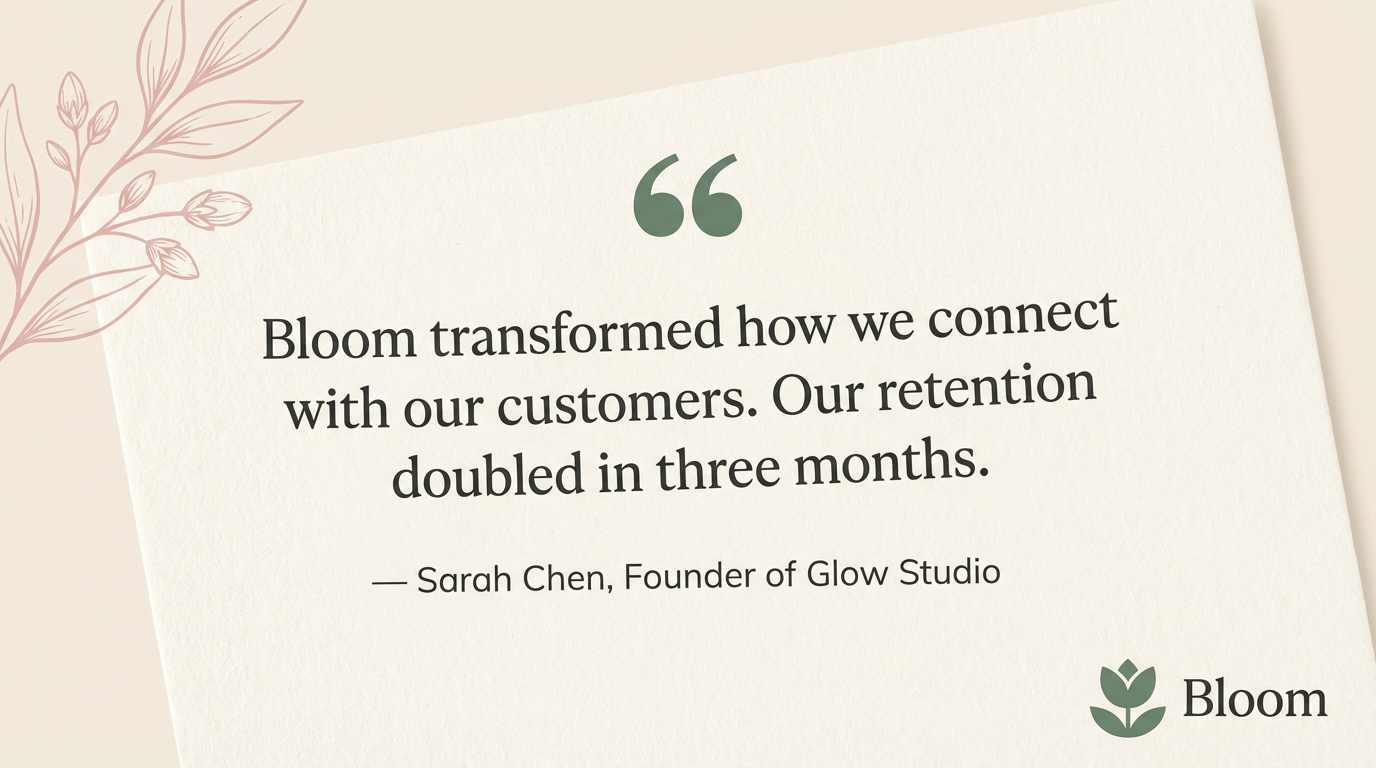
Customer quote — same cream background, same sage green quotation marks, same botanical motifs:
Product announcement — sage green background with organic gradient blobs, white text, leaf illustrations:
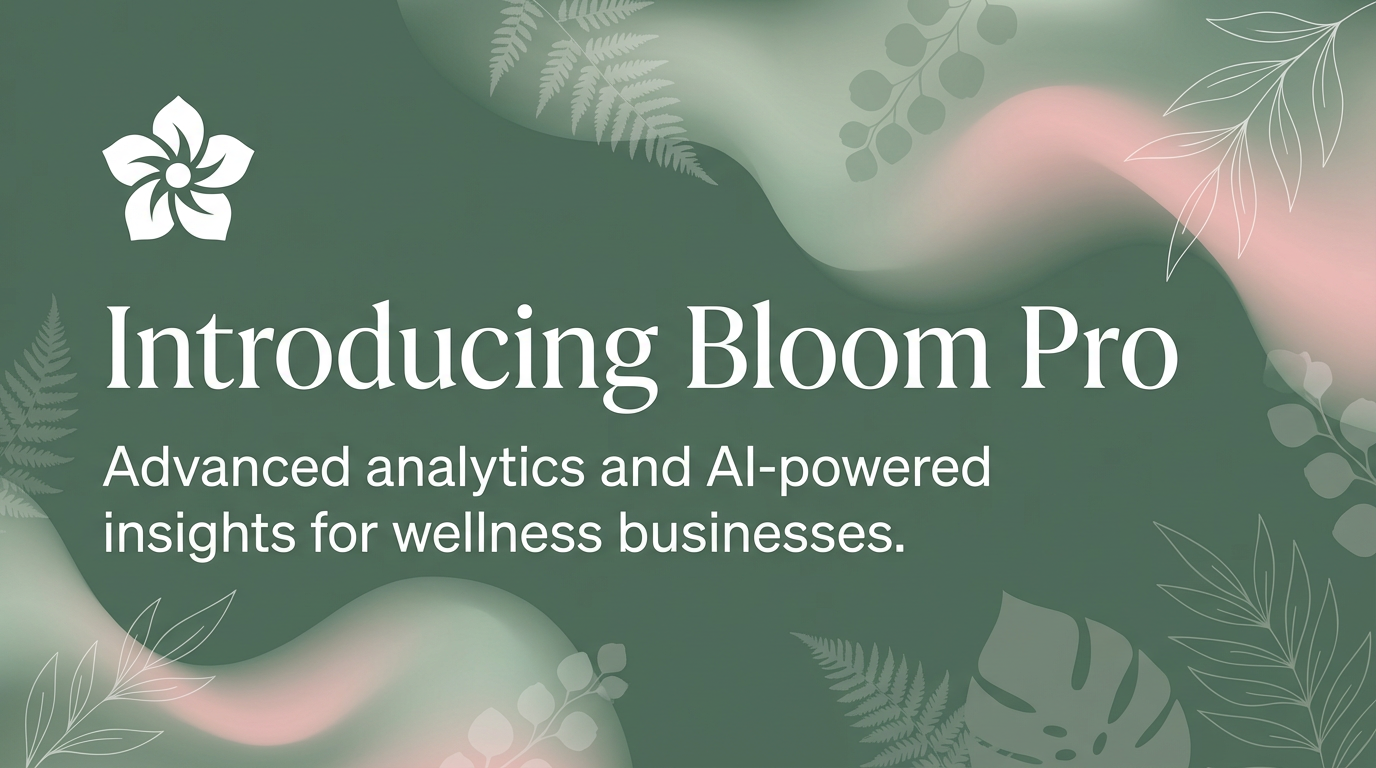
Three different content types. One unmistakable brand. The newest intern and the head of marketing produce the same quality, because the brand rules are enforced at generation time.
Content type templates lock in quality
Blank prompt boxes are where brand consistency goes to die. Users who don’t know what to type will write vague prompts, get vague results, and either give up or accept something off-brand.
Content type templates solve this. Instead of “describe your image,” users see:
- Quote card: paste the quote, choose a background mood
- Stat highlight: enter the number and headline
- Announcement: type the headline and key details
Each template is designed to produce a specific type of visual. The user fills in fields. The AI handles the creative decisions — within your brand guidelines.
Platform presets handle dimensions
A LinkedIn post image is 1200x627px. An Instagram story is 1080x1920px. An email banner is 600x200px.
Your users shouldn’t need to know this. Platform presets handle it automatically. Pick “LinkedIn Post” and the image is generated at the right size with a composition optimized for that format.
No manual cropping. No guessing. No “oops, that got cut off in the feed.”
The cost of getting this wrong
Every off-brand image your platform produces erodes trust in two directions:
- Your users’ audience loses trust in their brand — the inconsistent visuals signal sloppiness
- Your users lose trust in your product — if the AI can’t match their brand, they’ll go back to manual tools
Getting brand right isn’t a nice-to-have. It’s the difference between a feature users rely on daily and one they try once and abandon.
Try it
Start with a free account. Set up your brand kit, embed the widget, and see the difference between generic AI images and branded ones. Fifty free credits. No credit card.