How a Fitness App Creates 20+ Branded Visuals Per Week Across Three Platforms
PulseFit's content team produces stat cards, motivational quotes, and challenge announcements across three platforms — all on-brand, all in minutes.
PulseFit is a fitness and wellness app — workout tracking, nutrition plans, and a community feed where members share progress. Their content team is three people. They publish four or more posts per day across Instagram, X, and the company blog.
That’s 20+ branded visuals per week. Stat cards when the data team surfaces a compelling metric. Motivational quote graphics for the community feed. Blog promotions with data hooks. Challenge announcements that need to feel like events. Each one has to look like PulseFit — bold, kinetic, impossible to scroll past — across three platforms with three different format requirements.
Here’s the problem: Canva doesn’t scale to 20+ images per week with three people. Somebody picks the wrong coral. Somebody forgets the energy pattern. Somebody exports at the wrong dimensions for X. By Friday, the Instagram feed looks like three different brands posted to it.
This is how PulseFit solved it.
PulseFit’s brand system
PulseFit’s visual identity is the opposite of the soft wellness aesthetic. It’s direct, high-energy, and unapologetic. Every image follows the same rules:
Visual style: Kinetic, bold, high-contrast. Dynamic angular gradients with diagonal energy sweeps. Geometric shapes — sharp triangles, speed lines, chevron arrows — suggesting movement and power. Heartbeat pulse line as a recurring brand motif. Think Nike campaign meets data dashboard.
Color palette:
- Electric Coral
#FF6B5A— primary accent, metrics, CTAs - Deep Navy
#0F1628— backgrounds - Hot Magenta
#E040A0— gradient depth, secondary energy - Warm Amber
#FF9F43— tertiary accent, warmth - White
#F8FAFC— text, high contrast
Gradient system: Each content type gets a different gradient treatment — diagonal sweeps, radial glows, or multi-color blobs — to keep the feed visually diverse while maintaining brand coherence. The energy is always kinetic and directional, never static.
Avoid list: Pastel/soft aesthetics, wellness vibes, serif fonts, stock gym photography, gentle gradients, static flat backgrounds.
These rules live in the Additional notes field. Every content type template has it. Paste the brand instructions once, and every image from every team member follows the same system.
1. Stat highlight cards
The data team surfaces a metric: members who followed the 12-week cardio program saw a 42% average improvement in VO2 max scores. The content team needs that on Instagram and X by end of day.
Content Type: Stat Highlight
Fields used:
- Metric Value: “42%”
- Metric Label: “avg cardio improvement”
- Context: “12-week program results”
- Additional notes: “Deep navy background (#0F1628) with dramatic diagonal energy gradient sweeping from lower-left to upper-right — coral (#FF6B5A at 20% opacity) through hot magenta (#E040A0 at 25% opacity). Angular geometric shapes — sharp triangles, diagonal speed lines, chevron arrows — in white at 5% opacity creating kinetic motion. Heartbeat pulse line in coral at 10% opacity. The number in bold electric coral with warm glow. ‘PulseFit’ wordmark top-left. Nike-meets-data-dashboard aesthetic.”
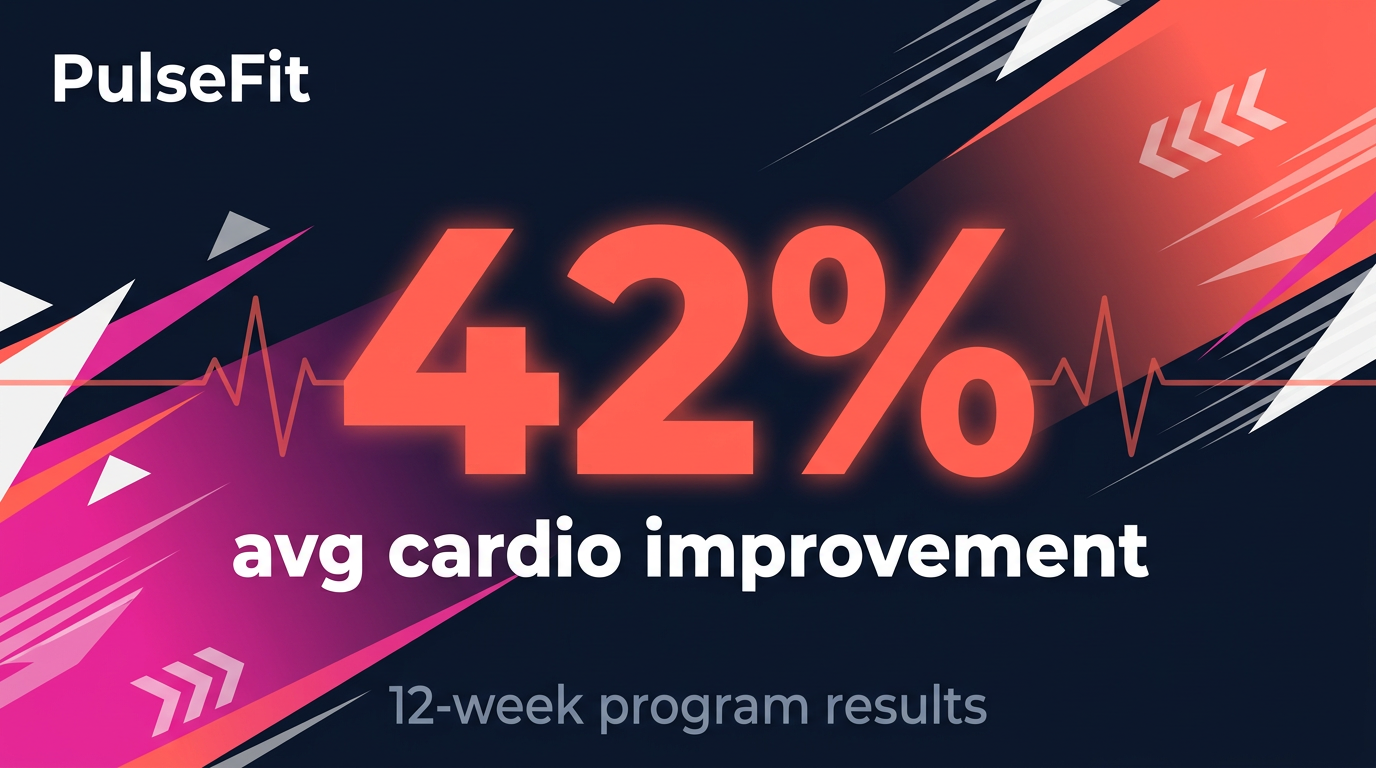
Diagonal energy sweep. Angular geometry. Heartbeat pulse line. The number hits hard.
The diagonal gradient creates a sense of forward motion — the eye follows it from lower-left to upper-right, subconsciously reinforcing the “improvement” message. The angular shapes and speed lines amplify the kinetic energy. The heartbeat pulse line is a brand motif that appears across all PulseFit content, creating instant recognition in a crowded fitness feed. This takes 30 seconds to produce.
2. User testimonial quotes
A member left a review that captures why people stick with PulseFit. The community manager wants it as a shareable quote graphic for Instagram.
Content Type: Quote Card
Fields used:
- Quote: “I never thought I’d enjoy running. Three months with PulseFit changed everything.”
- Author: “Sarah K.”
- Role: “PulseFit member”
- Additional notes: “Deep navy background (#0F1628) with warm radial gradient — coral glow (#FF6B5A at 20% opacity) from upper-right corner, magenta wash (#E040A0 at 12% opacity) in lower-left. Dynamic wave patterns and angular speed lines in white at 4% opacity. Large bold coral quotation mark top-left. Clean white sans-serif. Thin coral accent line below quote. ‘PulseFit’ wordmark bottom-right. Motivational, bold, high-contrast.”
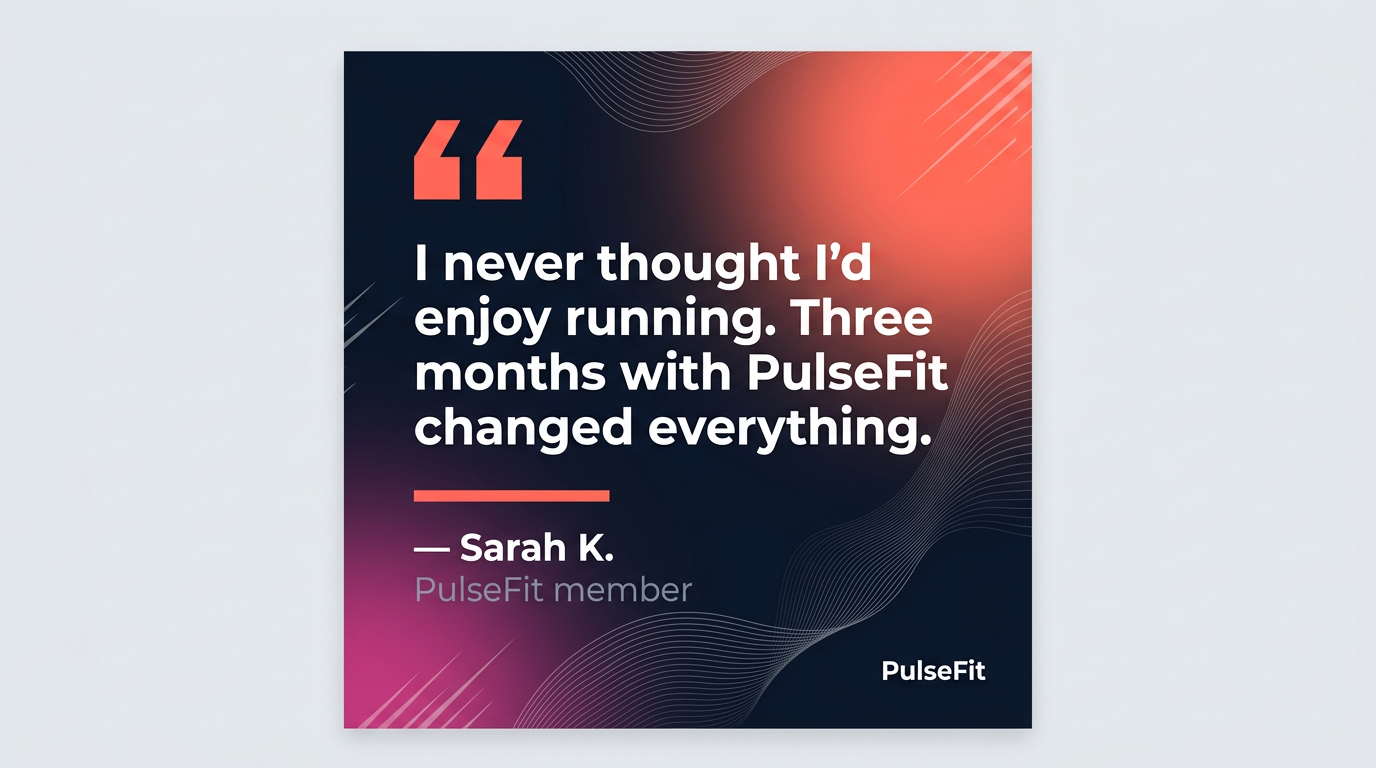
The warm coral glow creates intimacy. The wave patterns keep it kinetic. Feels like a Nike poster.
Quote cards are the most-shared content type in fitness social media. PulseFit’s version avoids the two common traps: looking like a motivational poster from 2014 (script font on sunset background) or looking like a corporate testimonial (stiff, overproduced). The warm gradient adds intimacy while the angular accents maintain brand energy. The text is sized for in-feed reading — the message lands before anyone clicks.
3. Blog article promotion
The editorial team published an article about cardio plateaus. The social team needs a visual that gives readers a reason to click, not just a title card.
Content Type: Blog / Article Promo
Fields used:
- Article Title: “5 Signs Your Cardio Routine Needs a Reset”
- Key Takeaway: “78% of runners plateau after 8 weeks without interval variation”
- Additional notes: “Deep navy background (#0F1628) with diagonal gradient accent — warm amber (#FF9F43 at 18% opacity) and coral (#FF6B5A at 15% opacity) from lower-left creating a warm spotlight. Angular geometric shapes in white at 3% opacity. ‘BLOG’ pill tag in coral at top. Bar chart comparing ‘With intervals’ (long coral gradient bar) vs ‘Without’ (short gray bar). ‘PulseFit’ wordmark bottom-left, ‘Read →’ in coral bottom-right. Energetic editorial design.”
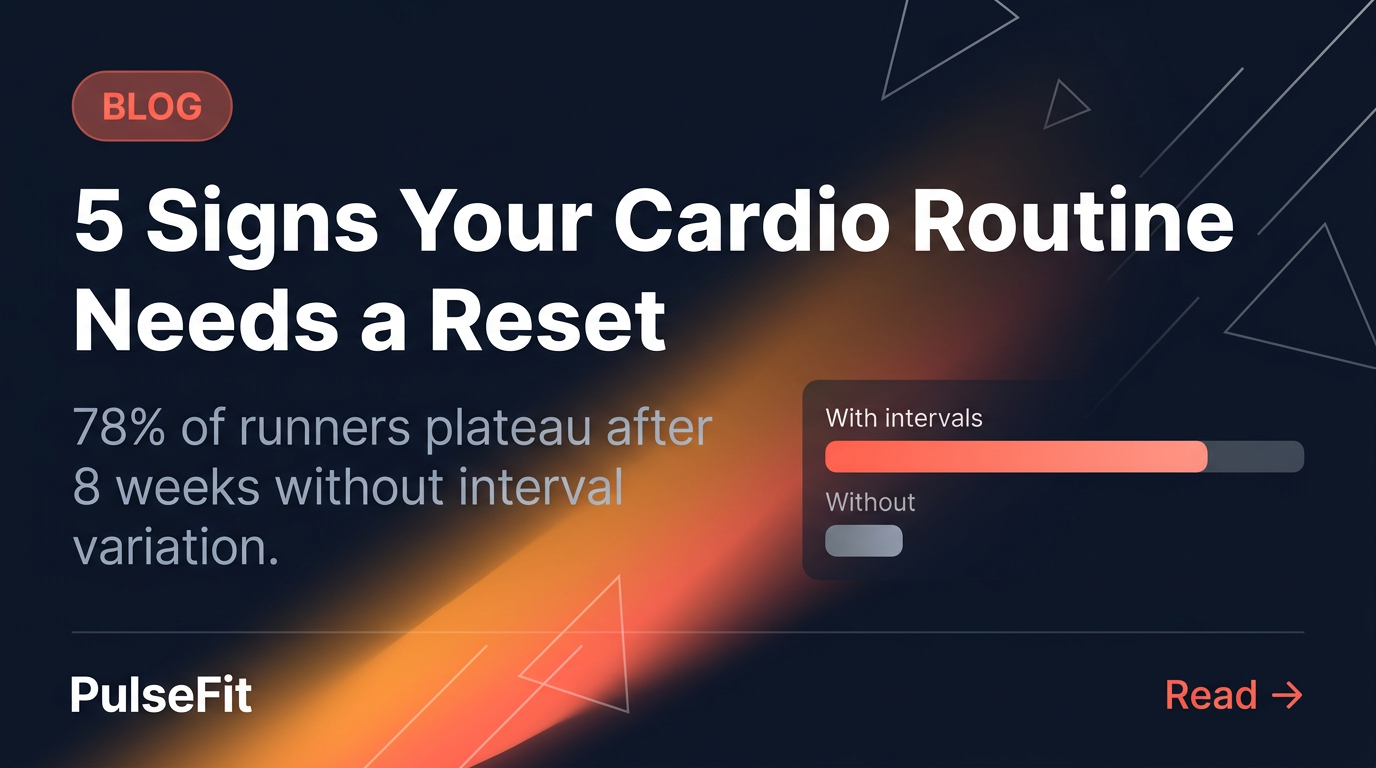
The bar chart gives readers a reason to click. The warm amber gradient shifts the mood from the coral-dominant stat cards.
The amber gradient is a deliberate departure from the coral used in stat cards — it signals “this is editorial content, not a metric.” The bar chart comparison provides value inside the image itself: the reader learns that interval variation matters before they click. That’s what earns engagement in fitness social media — images that teach.
4. Challenge announcement
PulseFit runs monthly fitness challenges. The 30-Day HIIT Challenge is the biggest one — it drives app downloads, community engagement, and retention. The announcement needs to feel like an event.
Content Type: Announcement
Fields used:
- Headline: “30-Day HIIT Challenge”
- Key Details: “Starts March 1 • Free for all members. Daily Workouts. Progress Tracking. Community Leaderboard.”
- Additional notes: “Deep navy background (#0F1628) with the most dramatic gradient — large organic blobs of coral (#FF6B5A at 30% opacity) upper-left, hot magenta (#E040A0 at 22% opacity) center-right, warm amber (#FF9F43 at 18% opacity) lower-center — explosive fiery energy. Angular speed lines, triangular shapes, chevrons in white at 5% opacity. Diagonal grid at 2% opacity. Thin coral line between headline and features. Three feature highlights with small outlined icons. ‘PulseFit’ wordmark top-left. Peloton-meets-Nike launch energy.”
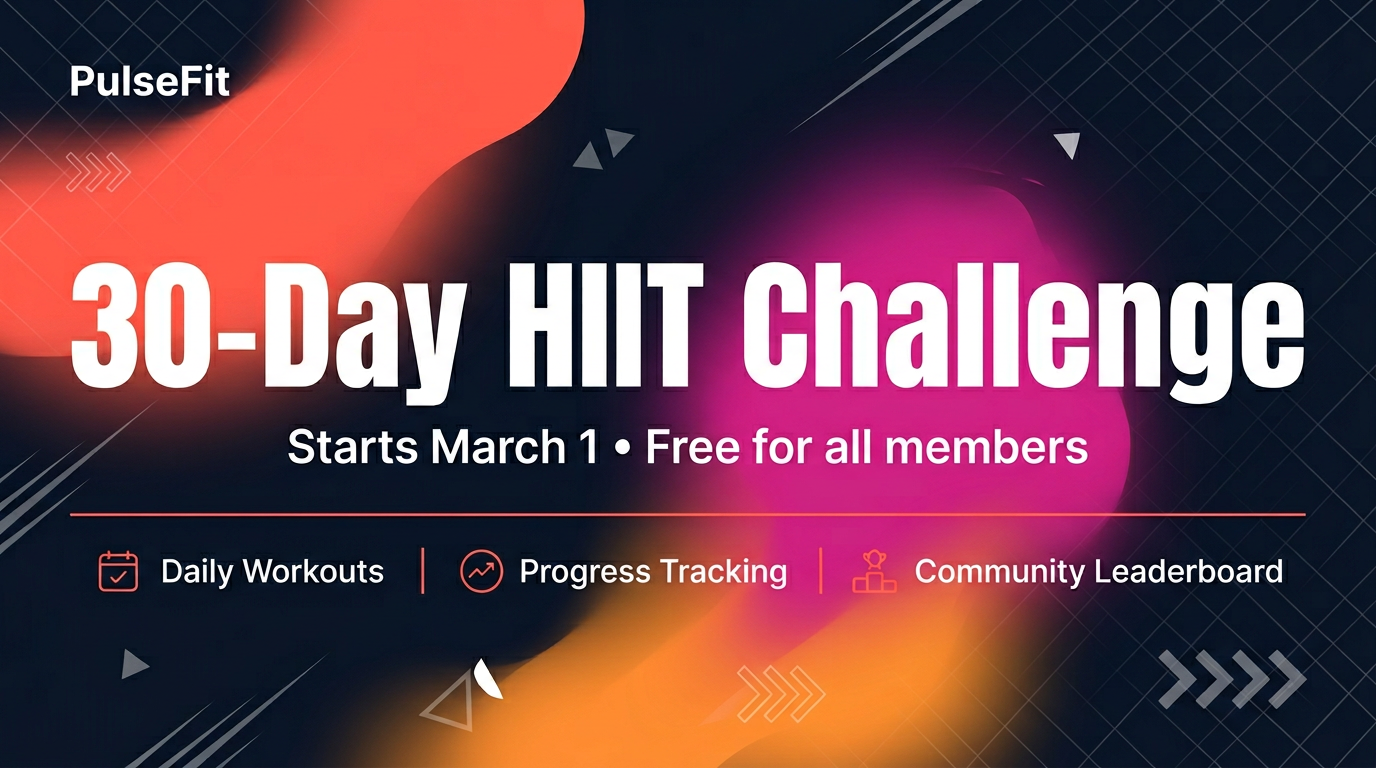
Three-color gradient: coral, magenta, amber. The most visually explosive card in the PulseFit system.
This is where the brand system earns its keep. Challenge announcements use all three gradient colors at maximum intensity — coral, magenta, and amber blending into an explosive energy field. The diagonal grid adds structure beneath the chaos. The three feature callouts (Daily Workouts, Progress Tracking, Community Leaderboard) give readers enough to understand the challenge without clicking through. The gradient is the loudest visual in PulseFit’s entire content library — and that’s intentional. Challenges are events. The visual should match.
Platform presets: same content, three formats
Here’s where PulseFit’s workflow gets interesting. That 42% stat card needs to go on Instagram Stories, X, and the blog. Three platforms. Three different dimensions. Three different composition requirements.
Without platform presets, that means:
- Generating three separate images and hoping they’re consistent
- Manually cropping one image and cutting off elements
- Opening Canva to reformat (defeating the purpose)
With platform presets, the content stays identical — same number, same label, same brand rules — but the composition adapts to where it’s going.
Instagram Story (9:16, vertical full-screen):
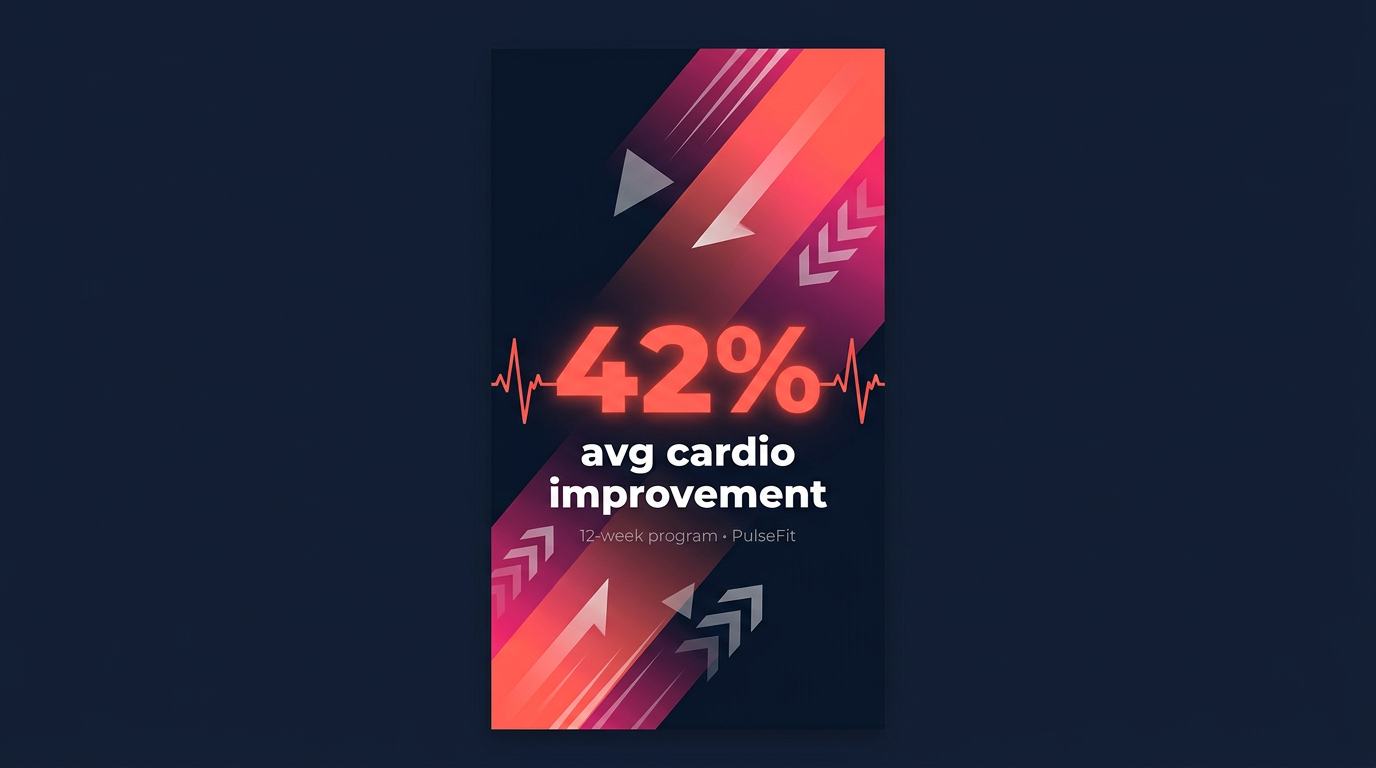
Vertical canvas. The energy flows upward. The number sits in the middle third — right where eyes land when swiping through Stories.
X / Twitter Post (16:9, wide landscape):
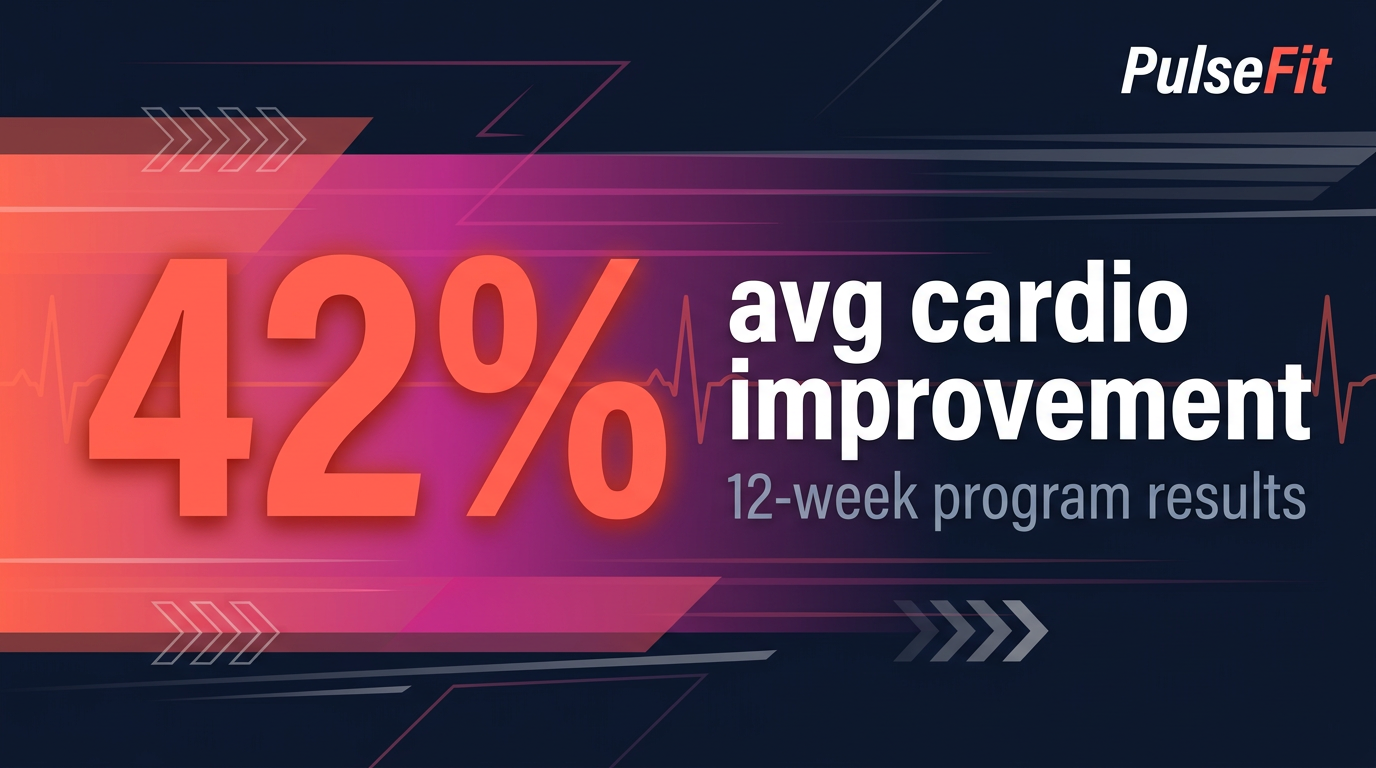
Same stat. Completely different composition. The number anchors the left, the context flows right, and the gradient sweeps horizontally.
The images are not crops. Each preset tells the AI how to compose the scene for that specific format. The energy lines flow vertically in Stories and horizontally on X. The text sizing, number placement, and gradient direction all adapt. The brand stays identical.
For a team producing 20+ images per week across three platforms, this eliminates the most tedious part of multi-platform publishing — reformatting.
What this looks like in practice
PulseFit’s typical weekly content calendar:
| Content type | Platforms | Weekly volume | Time per asset |
|---|---|---|---|
| Stat highlights | Instagram, X | 5 | ~30 seconds |
| Quote cards | 4 | ~30 seconds | |
| Blog promos | Blog, X | 3 | ~45 seconds |
| Challenge / announcements | All platforms | 2 | ~60 seconds |
| Platform reformats | Instagram Story, X | 6 | ~15 seconds |
Total: 20+ images per week. Total production time: under 15 minutes.
Before ImageLayer, the same output required a shared Canva account, three people stepping on each other’s templates, and roughly 8 hours per week. The brand was inconsistent — each person had their own interpretation of “PulseFit energy.” The Instagram Story reformats alone took 30 minutes per batch because someone had to manually reposition elements for vertical.
Now every image follows the same notes field. The intern produces the same quality as the content director. Platform reformats are a preset switch, not a redesign.
The pattern behind the pattern
PulseFit’s content team doesn’t think about image generation. They think about what to say and where to say it. “42% improvement, Instagram and X.” That’s the brief. The templates handle the prompt. The brand kit handles the look. The platform presets handle the format.
That’s the difference between a content tool and a content system.
If your team publishes across multiple platforms — especially in fitness, wellness, food, or any visual-heavy vertical — the production math is what kills you. It’s not the first image. It’s the twentieth. And the twenty-first.
Start free with 50 credits — enough to produce an entire week of branded content across every platform your team uses.